Better access to jobs
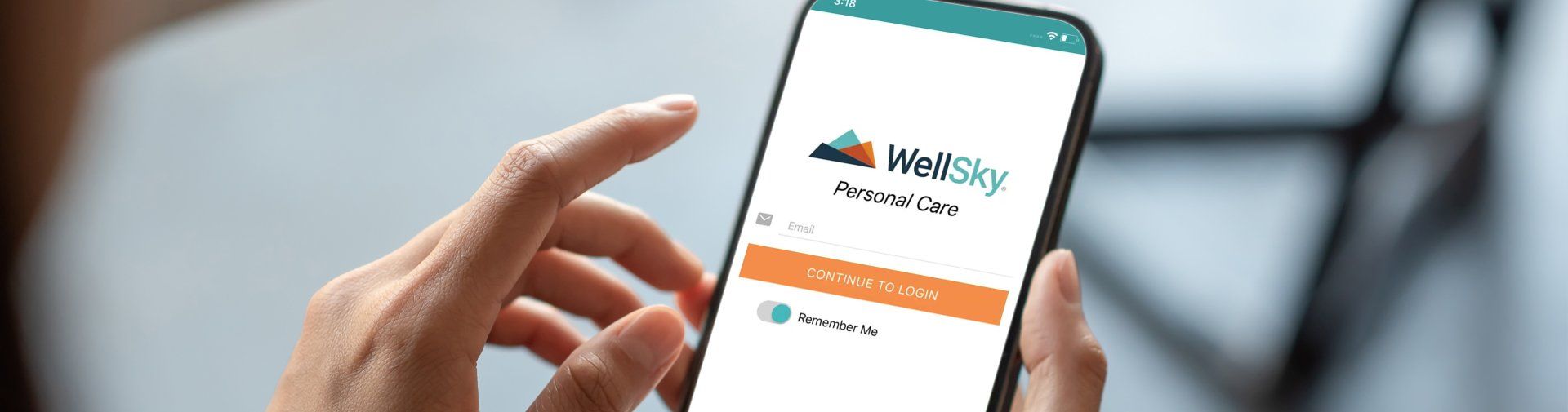
As a valued employee of In-Home Assisted Living Inc, you will minimize your day-to-day burden with our convenient and user-friendly, WellSky Personal Care mobile app (formerly ClearCare Caregiver Go). Easily manage schedules, clock-in and clock-out of shifts, review your tasks, and submit your care notes from the convenience of your mobile device. Designed with caregivers in mind, our mobile App will also help you map your route to the client’s location and communicate with your Care Manager.
Download the App for free from The Apple Appstore or Google Play.


First-time User Set Up Instructions
Step 1:
Download the app on your mobile device available for both Android and IOS.
Step 2:
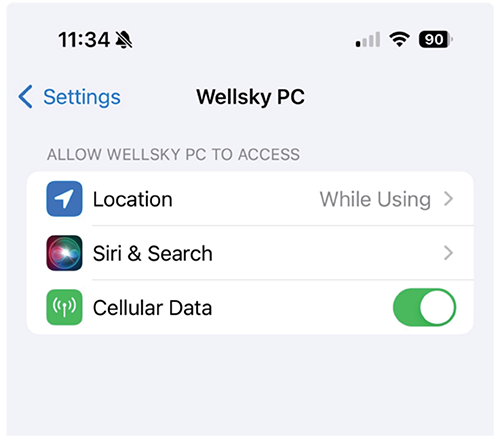
Wellsky needs permission turned on for location services.
Ensure you go to your device setting:
- Located the Wellsky app in the list
- Select Wellsky
- Change location to while using.
Step 3:
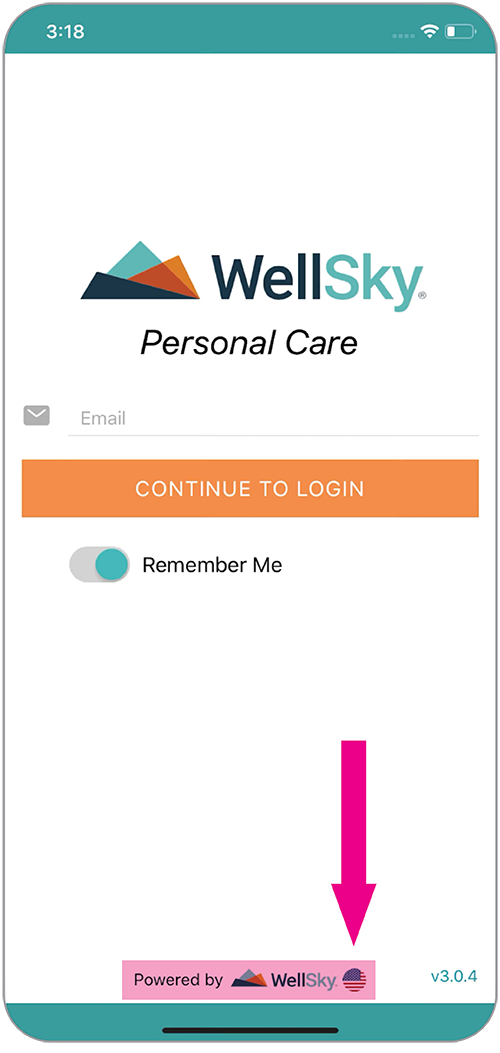
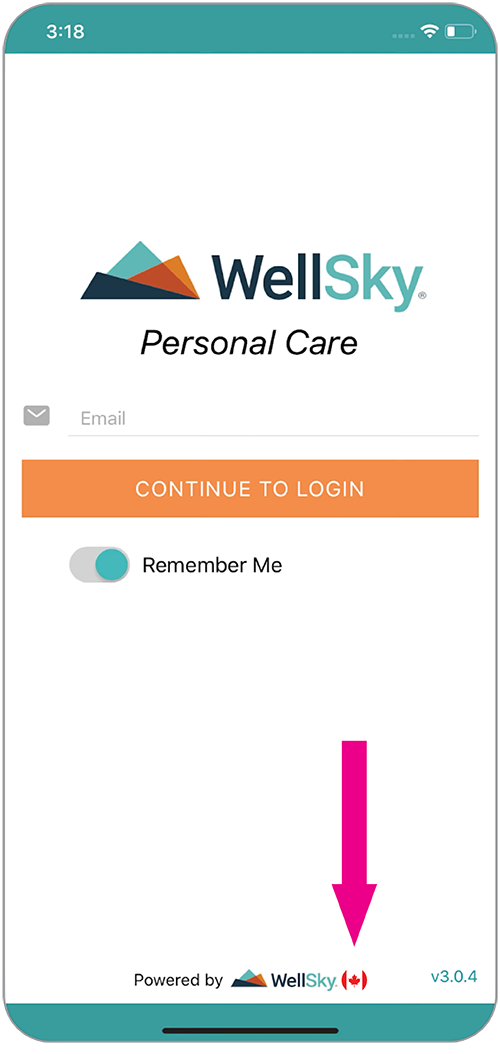
The fist time you open the app it will default to USA. You must change this to Canada to log in.
Step 4:
To change to Canada tap and hold the USA flag icon, and change to Canada when the option appears.
How to Login for the First Time
Step 1:
Open the Wellsky app on your device
Step 2:
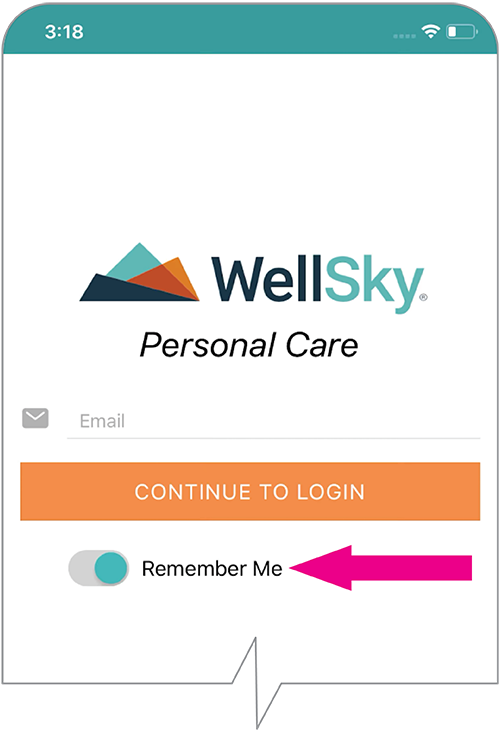
Use the ‘Remember Me’ option for the app to remember your e-mail address. For security purposes, you will need to enter your password each time.
Step 3:
Username is your email address Password-one you created using the link
Step 4:
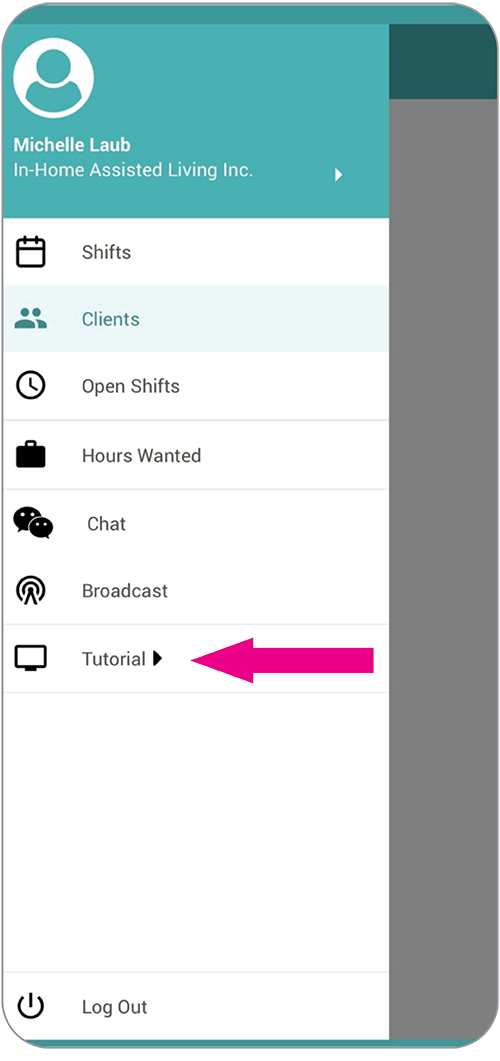
Review the tutoria